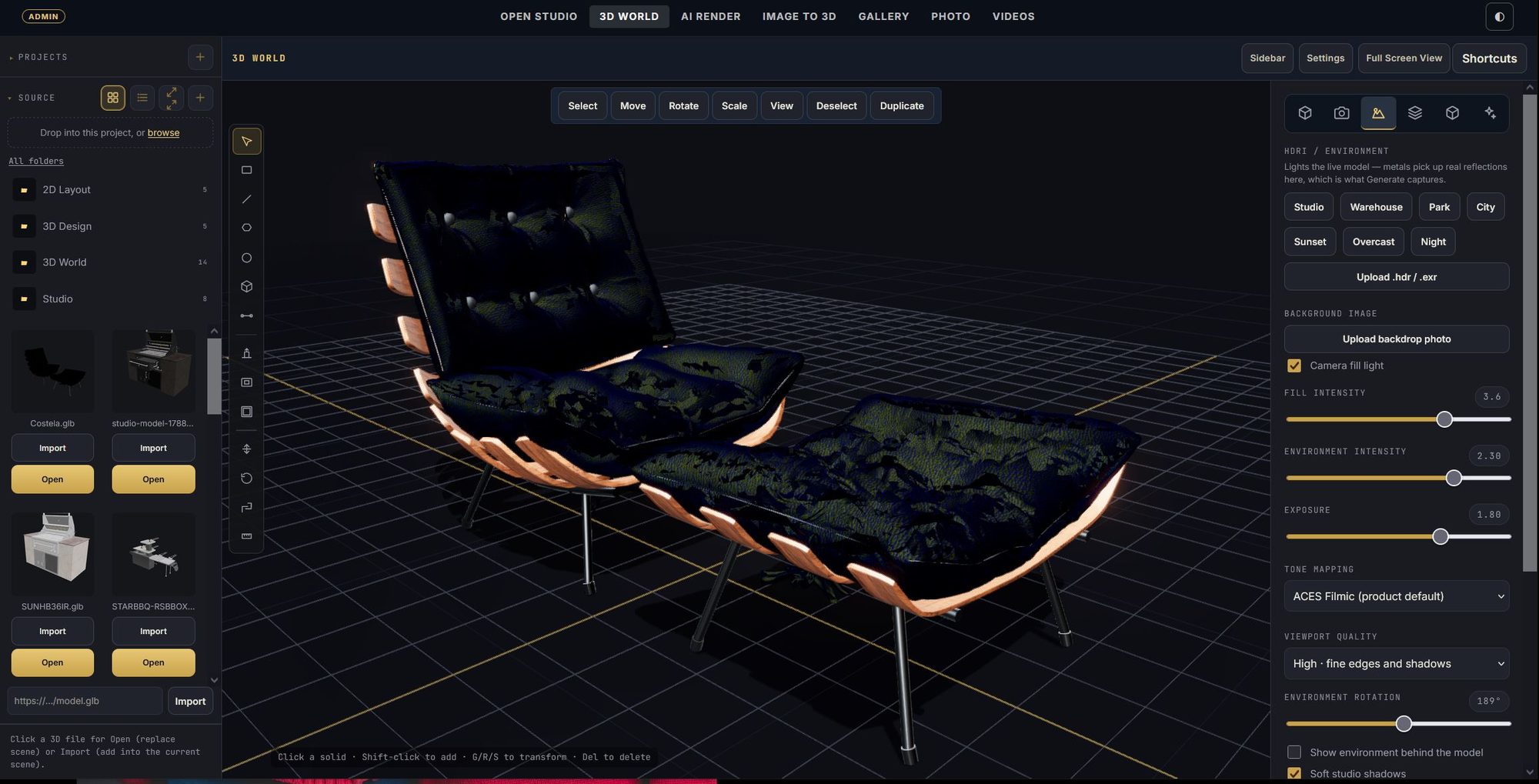
01 · Model
Your idea. Every dimension.
Start with a real 3D model. Light it, frame it — this camera is the source of truth.
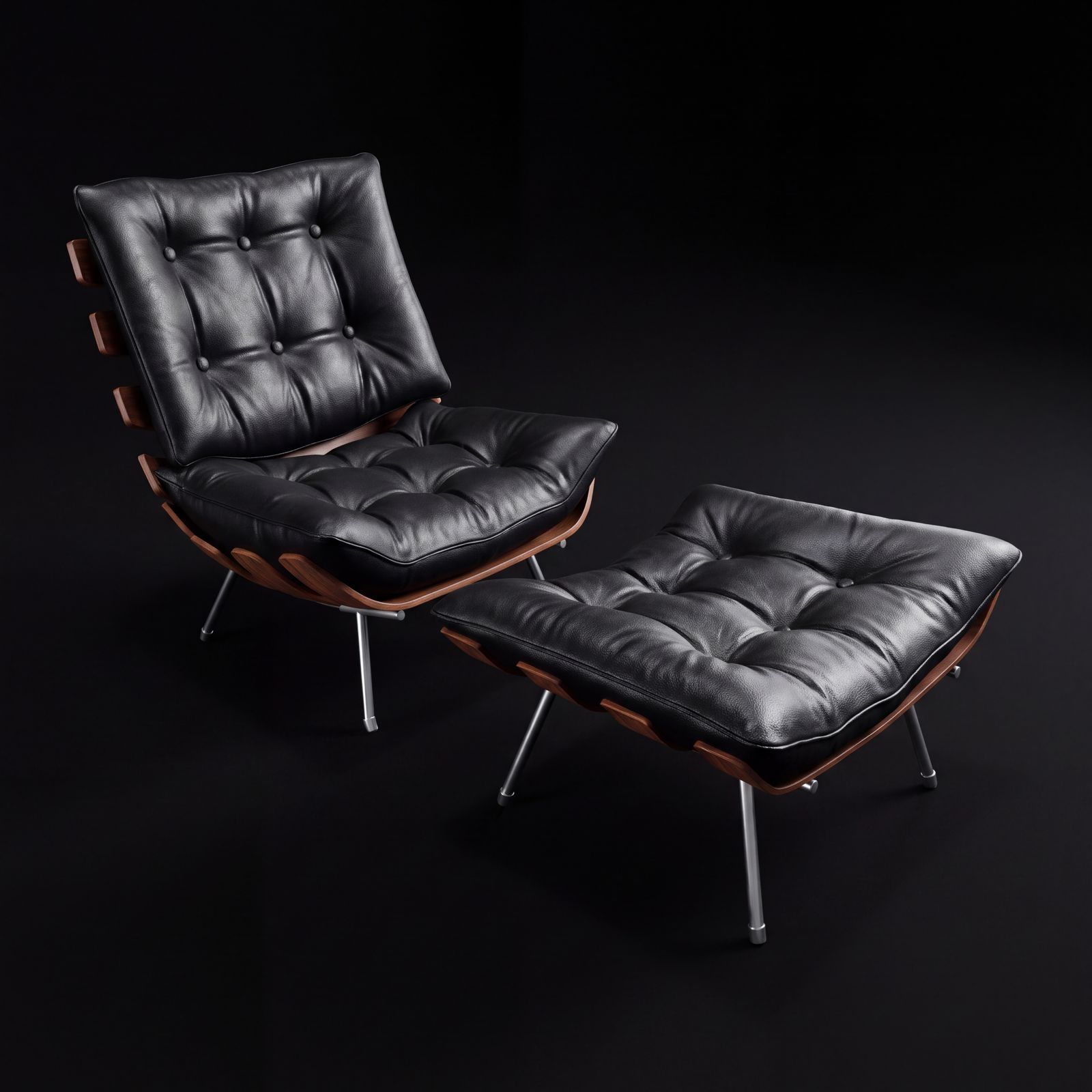
02 · Render
Render the exact frame.
Depth and edge passes go with every render, so shape and scale hold.
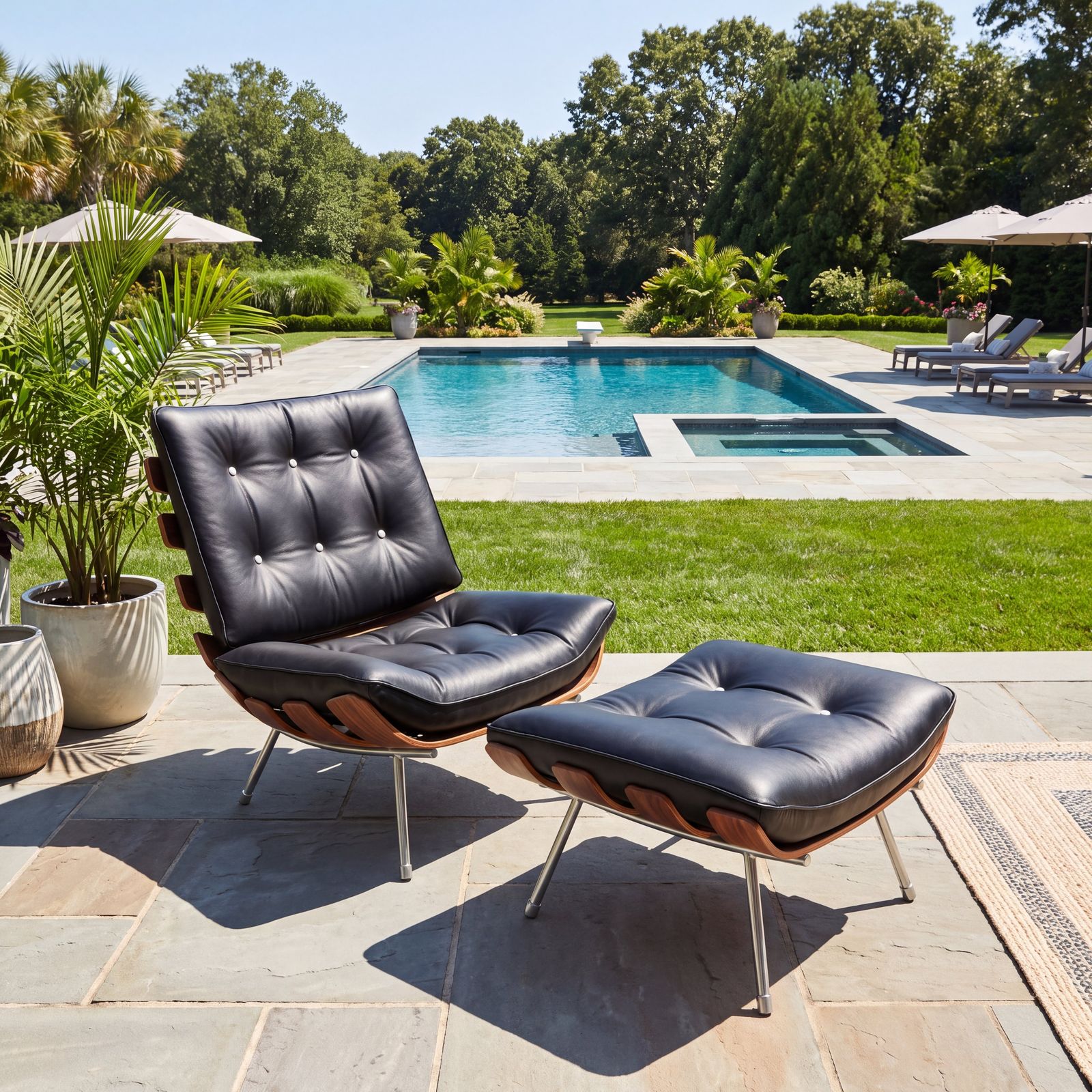
03 · Restage
Same product. Any scene.
Pick a template — poolside, blue hour, seamless white — and the product stays true.
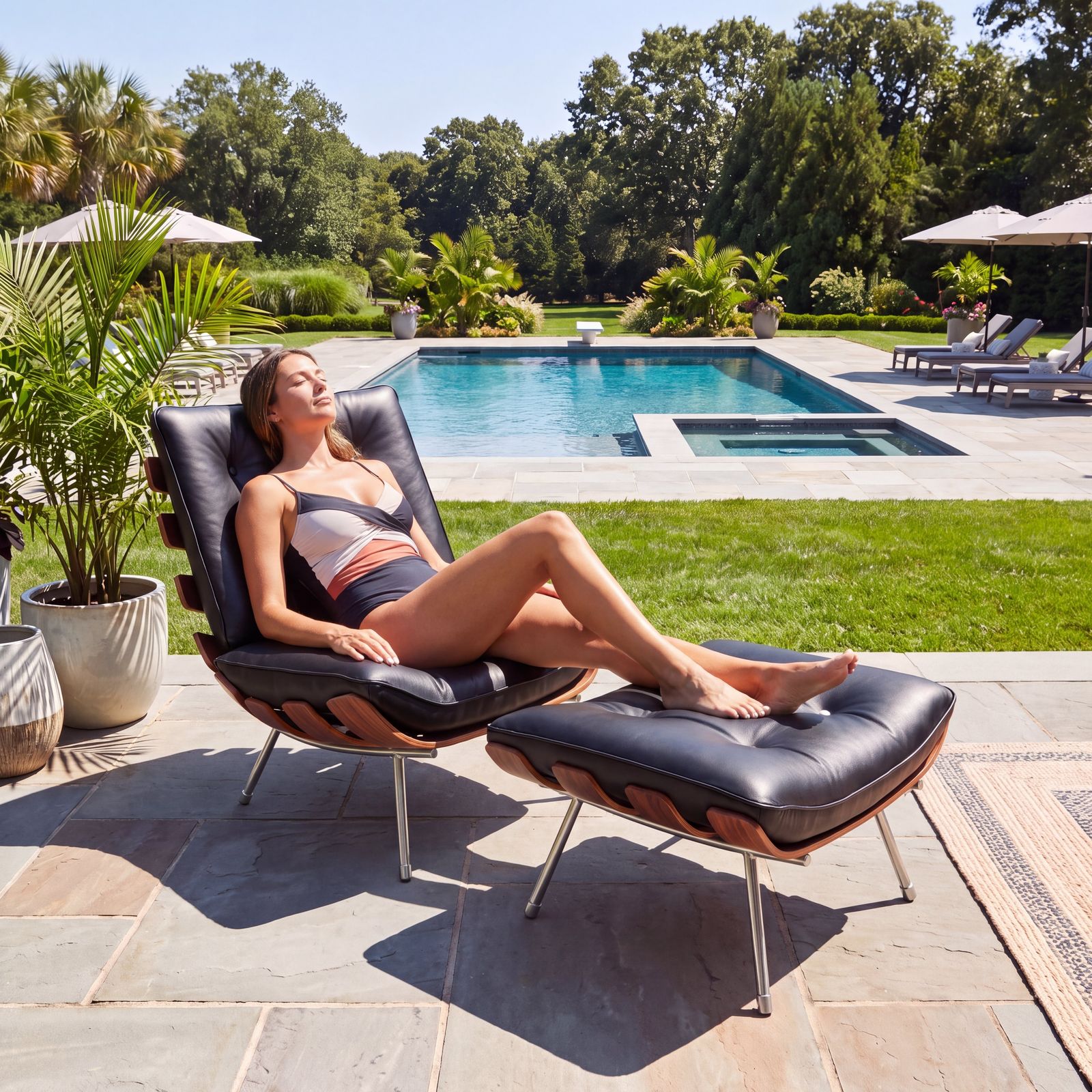
04 · Finish
Finish it in the editor.
Looks, light, and AI fixes on a painted region — everything else stays put.
3D World · AI Render · Batch render · Image to 3D · Photo editor · Videos · Community · Templates3D World · AI Render · Batch render · Image to 3D · Photo editor · Videos · Community · Templates
Made in Open Studio
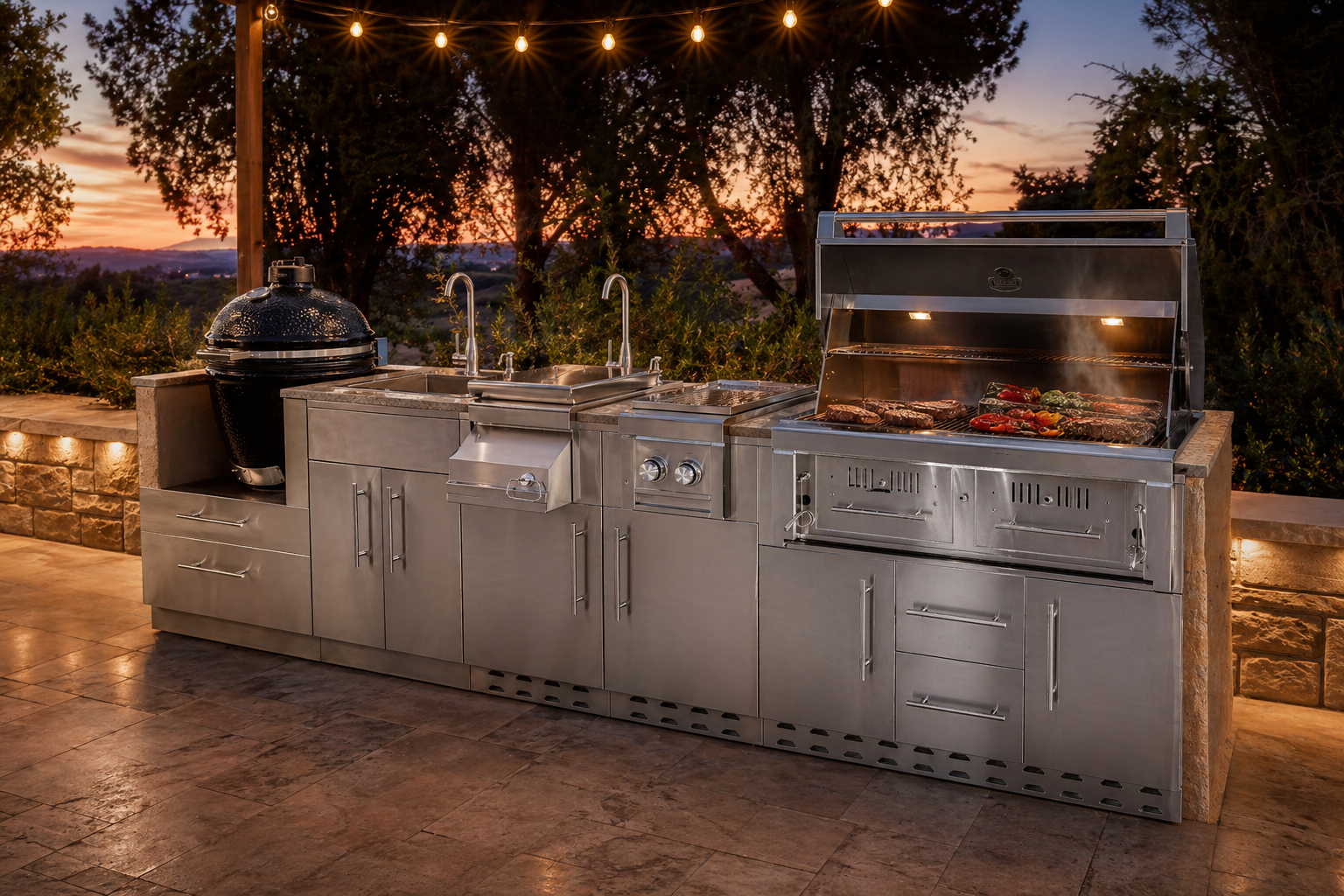
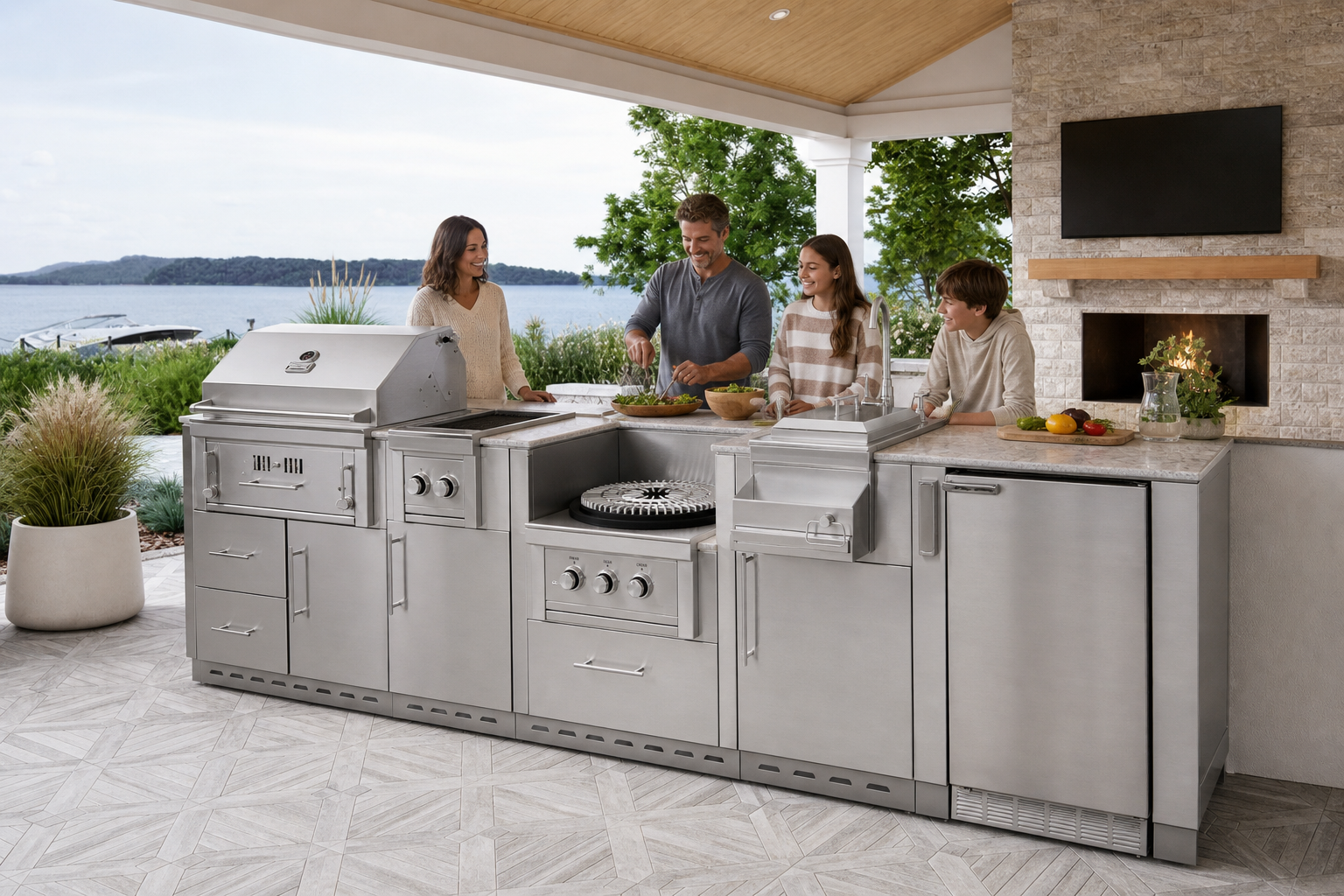
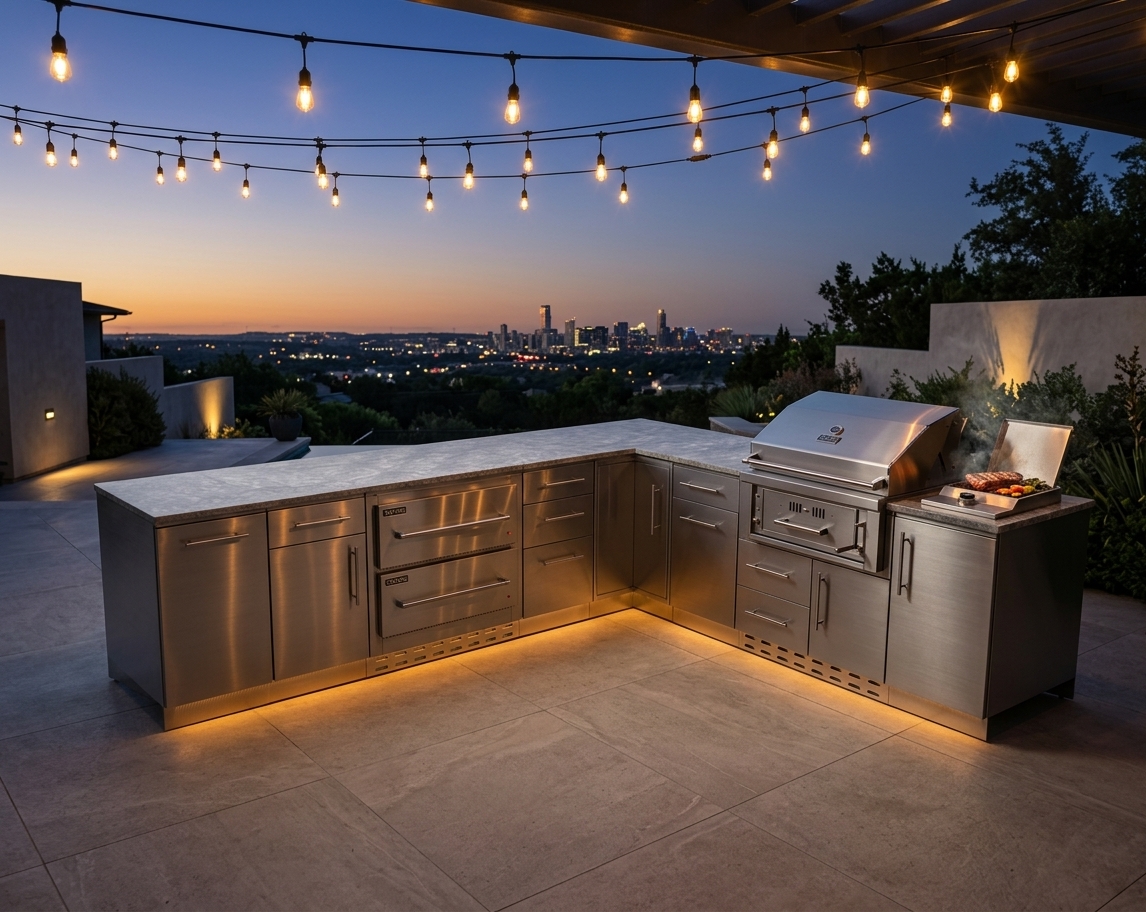
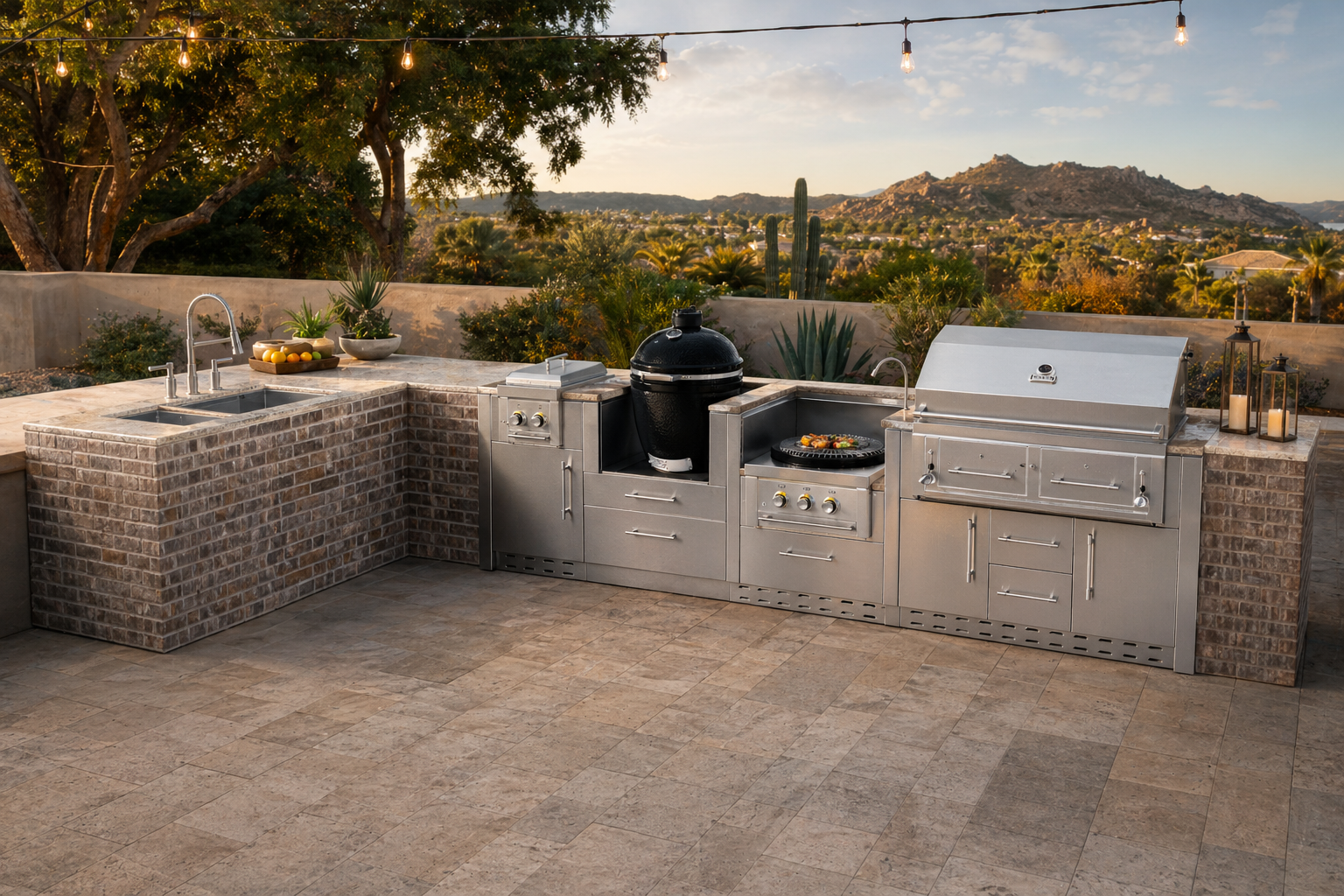
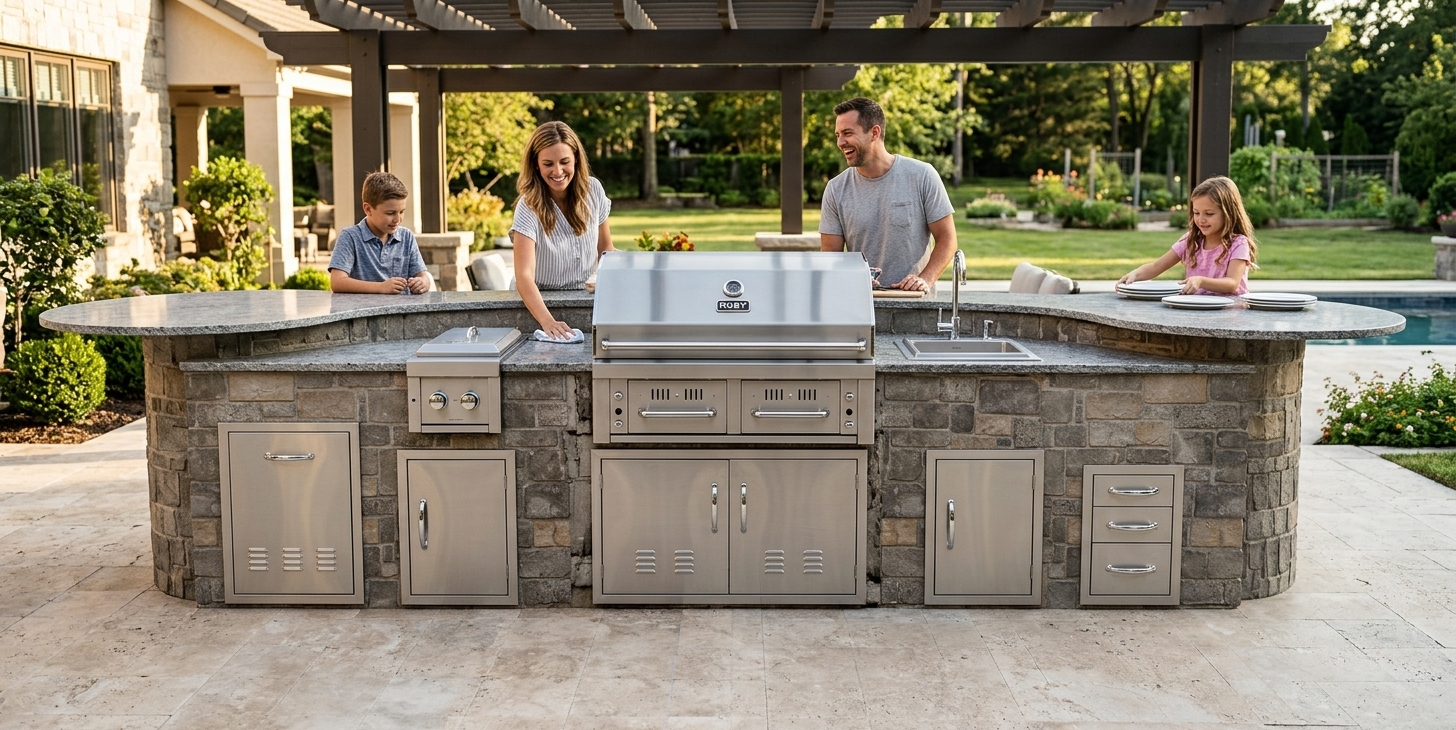
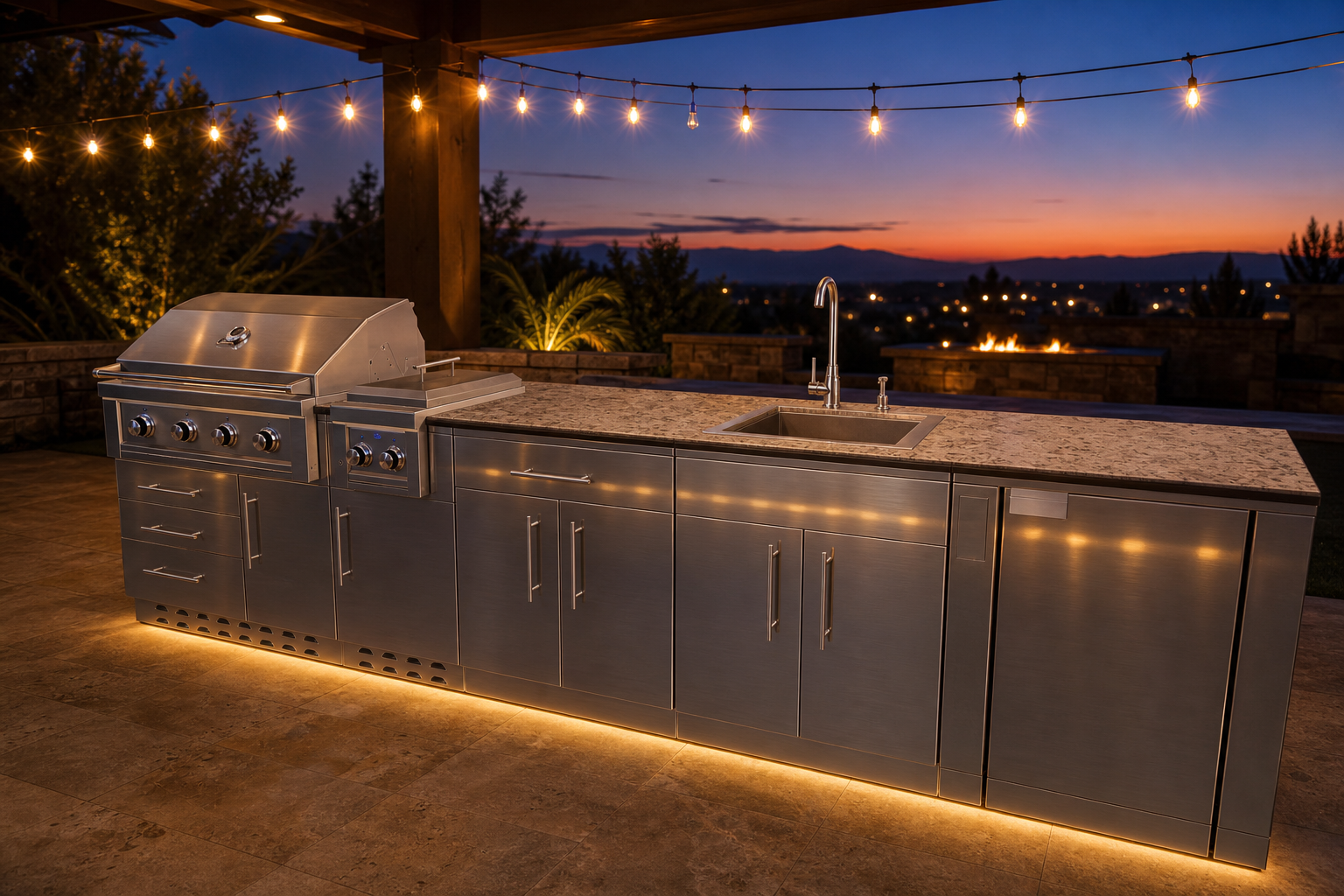
Every image starts as a real 3D model.
Open the community to compare each render with the viewport it came from.
One connected workflow
Everything from model to final frame
Create
Light a 3D model, frame the camera, render that exact view.
Open →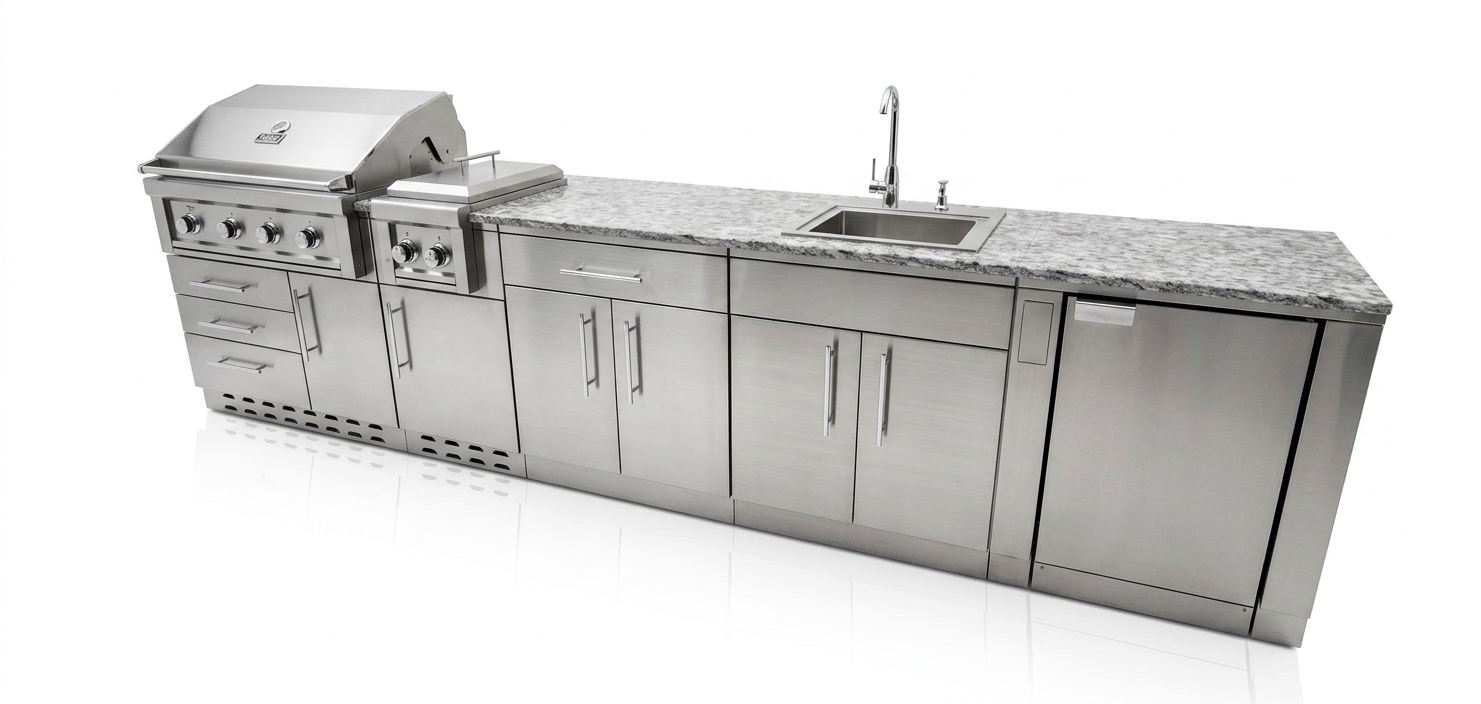
Batch render
Up to 200 product photos into one scene with a matched look.
Open →Photo editor
Looks, adjustments and AI fixes on a painted region.
Open →
Image to 3D
Turn a photo into a mesh you can orbit and restage.
Open →
Videos
OpenReel timelines plus Gemini and Grok video.
Open →
Community
Browse renders with their 3D sources and remix any scene.
Open →Why it looks real
The model is the source of truth.
Prompt-only tools guess the shape from words or a flat photo. Open Studio renders from a real 3D camera and sends the depth map and edge lines with the request, so proportions, part count and perspective hold in the finished image.
- Five passes: beauty, clay, depth, normals, lines
- Studio, golden hour, overcast, blue hour and noon lighting
- Lens from 18 to 135 mm, any aspect from 1:1 to 9:16
Templates
Pick a scene. Drop in your model.
Make your next idea real.
Studio is a $99 monthly add-on on Designer or Professional. Credits power every render.