Place in Space
See it in the real space before it's built.
Take a photo of a living room, kitchen, backyard, facade or storefront, mark where it goes, and place your product, 3D model or redesign into it.
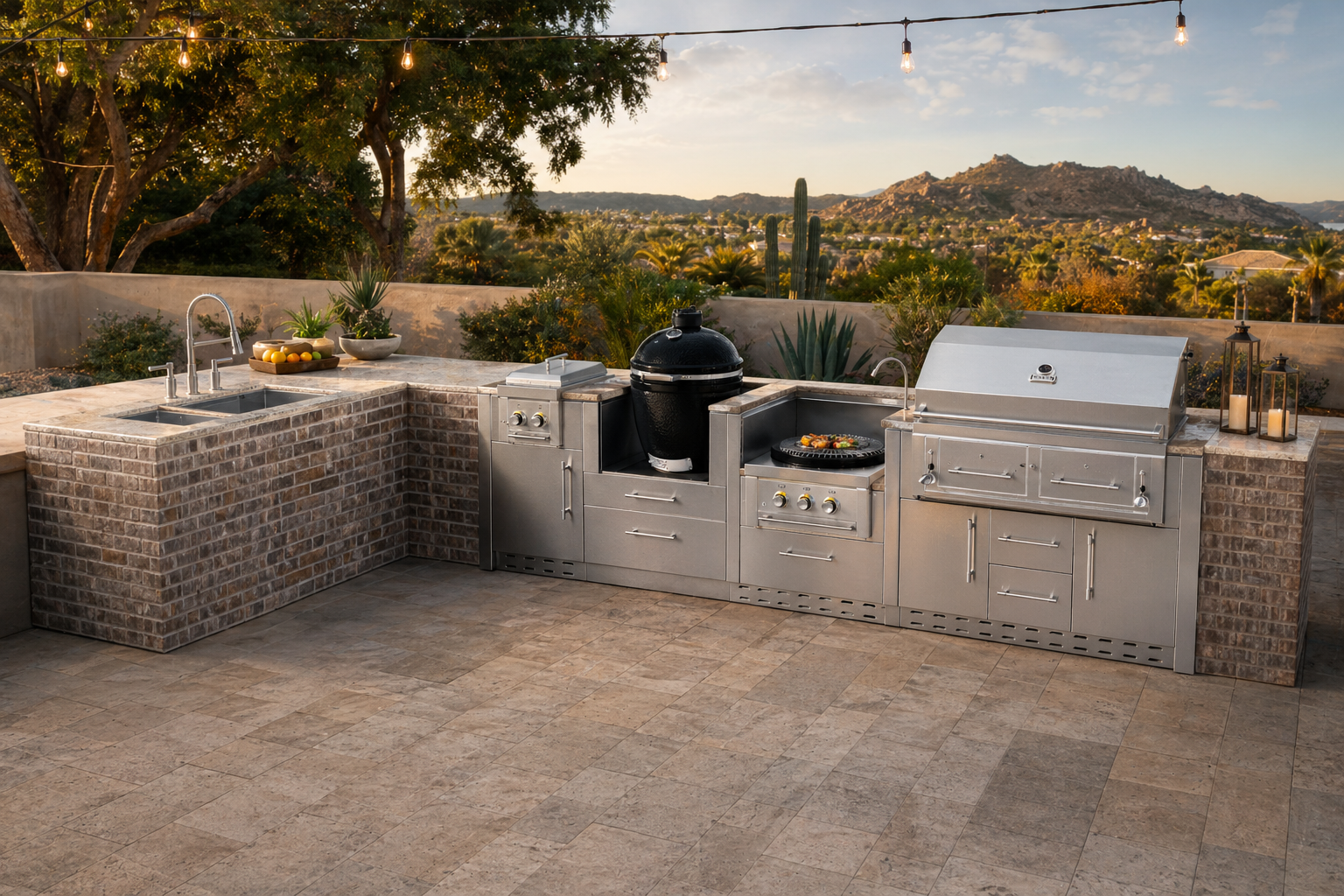
For every kind of space
🛋️
Interiors
Living rooms, kitchens, baths, bedrooms and offices.
🏡
Exteriors
Facades, siding, roofing, patios, decks, pools and outdoor kitchens.
🏪
Commercial
Storefronts, restaurants, retail displays, signage and showrooms.
How it works
1
Upload the space
Any photo, even from your phone.
2
Choose what goes in
A product photo, a 3D model or a description.
3
Mark the spot
Box or brush the area; everything else stays.
4
Compare
Before/after slider, variations and download.
Show clients the result before the work starts.
Sign in or create a free account to start — your work saves to your library.